

















Scale Your Web Scraping Without Getting Blocked
A practical guide to scaling reliable web data collection: respect rate limits, reduce duplicate requests, handle errors, manage sessions and choose the right Arcvenza proxies.
 Written byYiyao
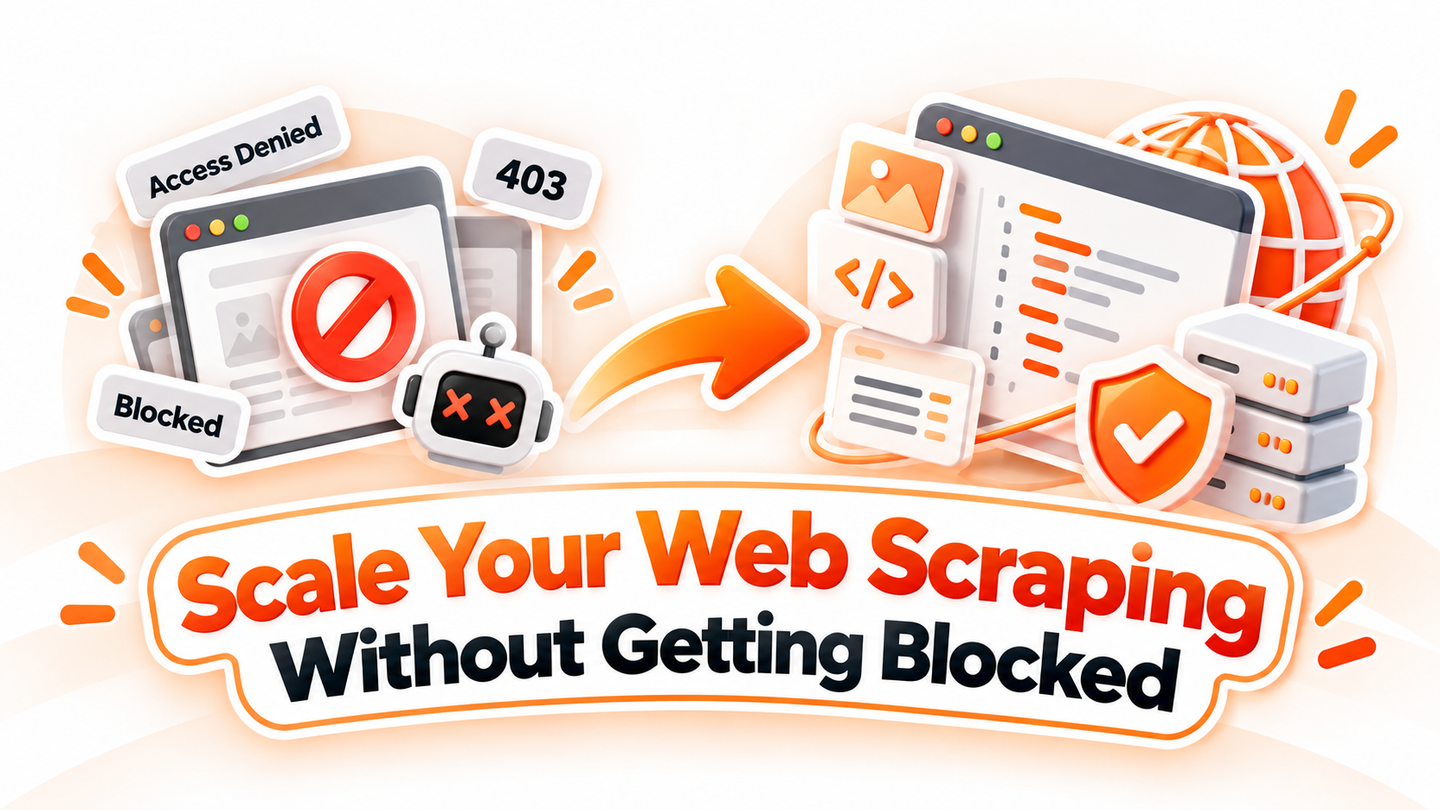
Scaling web scraping means increasing useful, reliable data—not just sending more requests. As collection volume grows, a crawler can encounter rate limits, denied requests, unstable sessions and inconsistent page content. A resilient system should reduce unnecessary traffic, respond correctly to server signals and choose the right network resources for each workload.
This guide covers practical steps for collecting permitted public web data more consistently, including request scheduling, retries, session management and how Arcvenza's proxy options fit into the architecture. No proxy can guarantee access, and a block should never be treated as permission to bypass restrictions.
Why Do Web Scraping Requests Get Blocked?
Websites protect capacity and enforce access policies using rate limits, authentication requirements and traffic controls. Failures are not always related to an IP address. A sudden burst of parallel requests, an expired session, an invalid proxy configuration or an overloaded destination can produce very different errors.
Start by reading the response, not rotating the IP
| Status | Likely issue | Recommended response |
|---|---|---|
| 429 Too Many Requests | Rate limit reached | Honor Retry-After, reduce request rate and concurrency |
| 403 Forbidden | Target denies access | Check permissions and site policy; stop rather than retrying blindly |
| 407 Proxy Authentication Required | Proxy credentials or configuration issue | Verify proxy username, password, port and authentication settings |
| 5xx / timeouts | Server or network instability | Use bounded retries with backoff; separate target errors from proxy errors |
Logging the response status, destination, retry count, timing and proxy endpoint makes troubleshooting more effective than changing IPs for every failure.
Request Budgets and Efficient Collection
Before launching a crawler, review the website's terms and robots.txt rules, including RFC 9309, and confirm that your collection is authorized. Prefer official APIs or data feeds when available. Respect login requirements, personal-data obligations and explicit access restrictions.
Define per-host rate and concurrency limits rather than relying on a single global maximum. Begin with a small workload, observe responses and increase cautiously. Batch or schedule jobs so several workers do not overload the same destination simultaneously.
Use Caching and Incremental Collection
Re-downloading unchanged pages increases cost and server load. Cache stable results, deduplicate URLs, and prioritize records that actually need refreshing. Where supported, conditional requests using ETag or Last-Modified can avoid transferring the same content repeatedly.
Measure data freshness against the business need. A price-monitoring job may require a different refresh schedule from an occasional product-catalog audit. Higher frequency is not automatically better data.
Retries and Session Management
For temporary network failures or supported 5xx responses, use bounded retries with exponential backoff and jitter. For HTTP 429, follow Retry-After when supplied and lower your request rate. For HTTP 403 or an authentication challenge, stop and verify permissions rather than treating the response as a request to evade controls.
Keep a maximum retry count and a dead-letter queue for unsuccessful records. Otherwise, an error can trigger a retry storm that increases blocking and costs while reducing useful output.
Keep Sessions and Network Identity Consistent
Some approved workflows depend on cookies, authentication state or a stable regional view. Maintain the same session context when appropriate; changing IPs on every request can introduce mismatches. Sticky residential sessions may help for short workflows, while static ISP IPs can suit longer-running authorized sessions.
For broader regional collection where stable session identity is not necessary, rotating residential IPs offer more location flexibility. Rotation is a workload design choice—not a substitute for site permission or rate-limit compliance.
Choosing the Right Proxy for the Workload
Different scraping patterns place different demands on IP diversity, data transfer and session stability. Arcvenza offers distinct options rather than a one-size-fits-all proxy.
| Arcvenza product | Best use case | Key consideration |
|---|---|---|
| Residential Proxies | Location-sensitive public data collection, market research and testing | Rotating IP pool and geographic targeting; sessions may be time-limited |
| Unlimited Residential Proxies | Continuous, high-volume workflows with predictable data-transfer budgeting | No per-GB billing on qualifying plans; choose a bandwidth tier for expected concurrency |
| ISP Proxies | Authorized long-running sessions and repeatable workflows | Stable IP identity; location inventory is narrower than many residential pools |
Unlimited Residential refers to the plan's data-billing model, not unlimited instantaneous capacity. Its bandwidth tier affects how much concurrent traffic the connection can sustain; it should not be presented as a promise of a particular latency or page success rate. Always confirm the selected plan's limits.
Validate Data Before Scaling
An HTTP 200 response can still contain an empty template, an error message or outdated content. Validate required fields, canonical URLs, currencies and timestamps before treating a page as a successful extraction. Store a small sample of raw responses for diagnosis when permitted.
Monitor useful metrics such as valid records per 1,000 requests, successful extraction rate, latency, bytes transferred, retry rate and cost per valid record. These measures reveal whether scaling actually improves throughput.
A Simple Workflow Before You Scale
- Confirm the collection scope, permission and relevant robots.txt guidance.
- Test a small number of pages and regions with realistic request volume.
- Set per-host concurrency, caching and sensible retry limits.
- Choose rotating Residential, Unlimited Residential or static ISP based on the workload.
- Monitor extraction quality and operational cost before increasing traffic.
Frequently Asked Questions
Will residential proxies eliminate blocks?
No. Residential IPs provide geographic diversity, but websites can still apply access controls, rate limits and other checks. Responsible request pacing and permitted access remain essential.
Is Unlimited Residential always the best option for large jobs?
Not necessarily. It can simplify budgeting for continuously running, data-intensive workflows, but the bandwidth tier, concurrency pattern, destination behavior and required session controls determine whether it is economical.
When should I use ISP proxies instead?
Use ISP proxies when an authorized workflow benefits from a consistent outgoing IP for repeated requests or longer sessions. For broad geographic coverage, rotating residential proxies may be more flexible.
Conclusions and Technical References
Reliable scraping at scale comes from a disciplined collection pipeline: respect site rules, minimize redundant requests, respond properly to errors, preserve sessions when needed and validate the data you collect. Proxies support this architecture, but they do not replace sound crawler design.
Build Your Web Data Workflow with Arcvenza
Explore Arcvenza Residential Proxies, Unlimited Residential Proxies, ISP Proxies and Crawler Console to match your network and collection needs. Review plan terms and test your intended use case before scaling.
Standards and Technical References